



 UtilitiesWrite on PDF: Edit & AnnotateWrite, type, draw, highlight, sign, and add notes directly to your PDF documents.Explore app
Utilities app by Fenuku Kekeli
PDF Page Remover: Edit Pages
Clean up any PDF.


What it does
Remove pages from a PDF on iPhone
Clean up any PDF. Remove unwanted pages, reorder what remains, and save a polished document without complicated tools.
PDF Page Remover gives you a simple, private way to edit PDFs on your iPhone. Review every page, make the changes you need, and export your updated file right away.
EDIT PDFs WITH CONFIDENCE
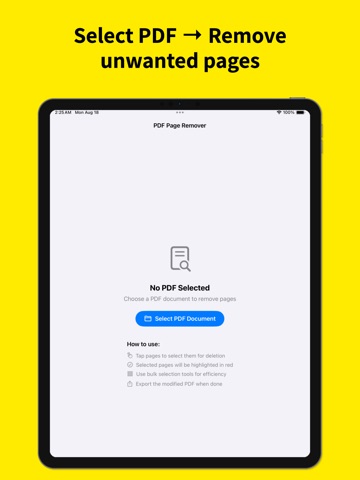
Remove pages you no longer need
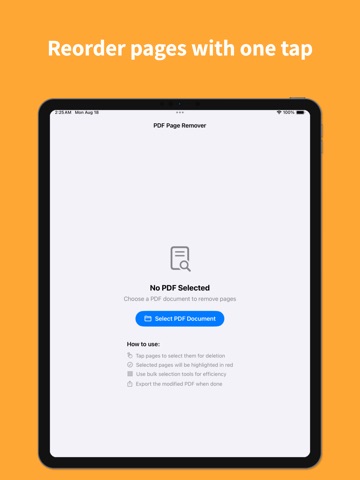
Reorder pages with easy drag and drop
Preview your document before saving
Save and share your updated PDF
Work offline with on-device processing
From the App Store listing
A look inside
Official listing screenshots. Select an image to view it larger.
Use cases and capabilities
Tasks this app is listed for
These points come from the current App Store description.
- Remove pages you no longer need
- Reorder pages with easy drag and drop
- Preview your document before saving
- Save and share your updated PDF
- Work offline with on-device processing
Getting started
Check the listing, then try the app.
- Open the PDF and preview its pages.
- Mark the pages you want to remove and drag the remaining pages into the intended order.
- Review the updated document, save a new copy, and open it before sharing to confirm nothing needed was removed.
These steps follow the features in the current App Store description. Exact controls can change between versions.
Common questions
About PDF Page Remover: Edit Pages
Can I change the order of PDF pages?
Yes. The listing describes drag-and-drop page reordering and preview before saving.
Can I use it offline?
The listing says it works offline with on-device processing. Check current App Privacy details before making decisions about sensitive documents.
More in Utilities
Related apps
UtilitiesWrite on PDF: Edit & AnnotateWrite, type, draw, highlight, sign, and add notes directly to your PDF documents.Explore app  UtilitiesSpreadsheet maker: view & editCreate powerful spreadsheets with a easy-to-use XLSX creator.Explore app
 UtilitiesMarkdown to PDF .md ConverterConvert Markdown files into beautiful, professional PDF documents with ease.Explore app
 UtilitiesPDF to Word Converter - DocConvert your PDF files back into fully editable Word documents.Explore app